In order to enjoy the highest picture quality available, make sure that your setup complies with the following conditions:
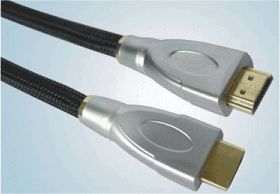
- Connect the signal source by means of a HDMI cable.
- Verify that the source signal is of High Definition (HD) content, which means either the 1080i or the 1080p video format.
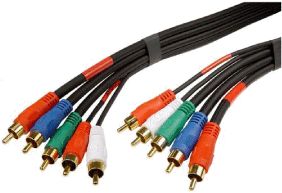
- If your external device does not have HDMI outputs, the next best option is the YPbPr (also called component or YUV) connection.
You will only be able to enjoy the full advantages of High Definition content if you connect your external device by means of a HDMI cable.
Although an analog connection does not offer the same quality, you can still obtain an excellent picture if you observe the following guidelines:
Check your cables and cable-connections.
- Make all your cables as short as possible.
- Use high quality antenna cable.
- Connect the plugs well into their sockets.
- Do not use an antenna cable splitter. Splitting the signal will make it considerably weaker.
Change the picture settings on your TV. The standard configuration is set to match the conditions in a TV shop.
You can use the [Picture] on the remote control to set your TV to a predefined picture mode that will give you the best picture quality.